colors/ hyprland
QuickShell QML shell + 12-palette theming for Hyprland on X. A clean, performance-oriented configuration for Arch Linux, built on a modular Lua base with the Xscriptor palettes as the single source of truth.
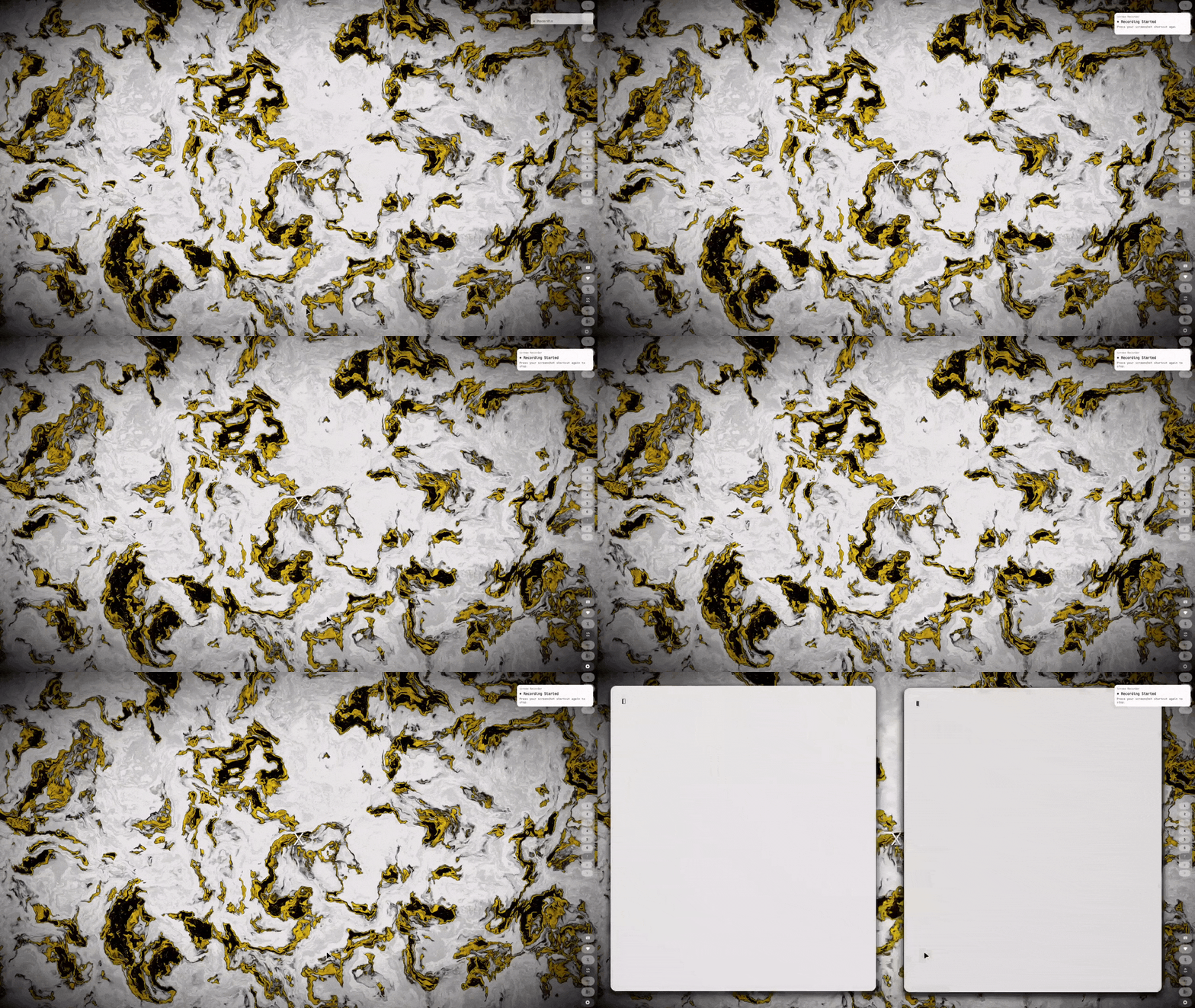
QuickShell Desktop Shell
- QuickShell QML UI — app launcher, clipboard, calendar/weather, network, audio, battery, music (MPRIS), wallpaper picker, system monitor, RSS reader, file search, quick notes, focus timer, screen recording, and QR scanner
- Lua modular config (env, colors, keybinds, animations, rules, autostart) with the active palette
- NVIDIA Optimus GPU mode switching (integrated/hybrid/nvidia) via keybind or Rofi
- Multi-monitor auto-detection at max refresh rate with a Rofi-based position/resolution/refresh rate manager
- SDDM theme synced to the active palette, GPU screen recording with separate audio channels, and Neovim from xscriptor-colors/nvim with palette data from the panel
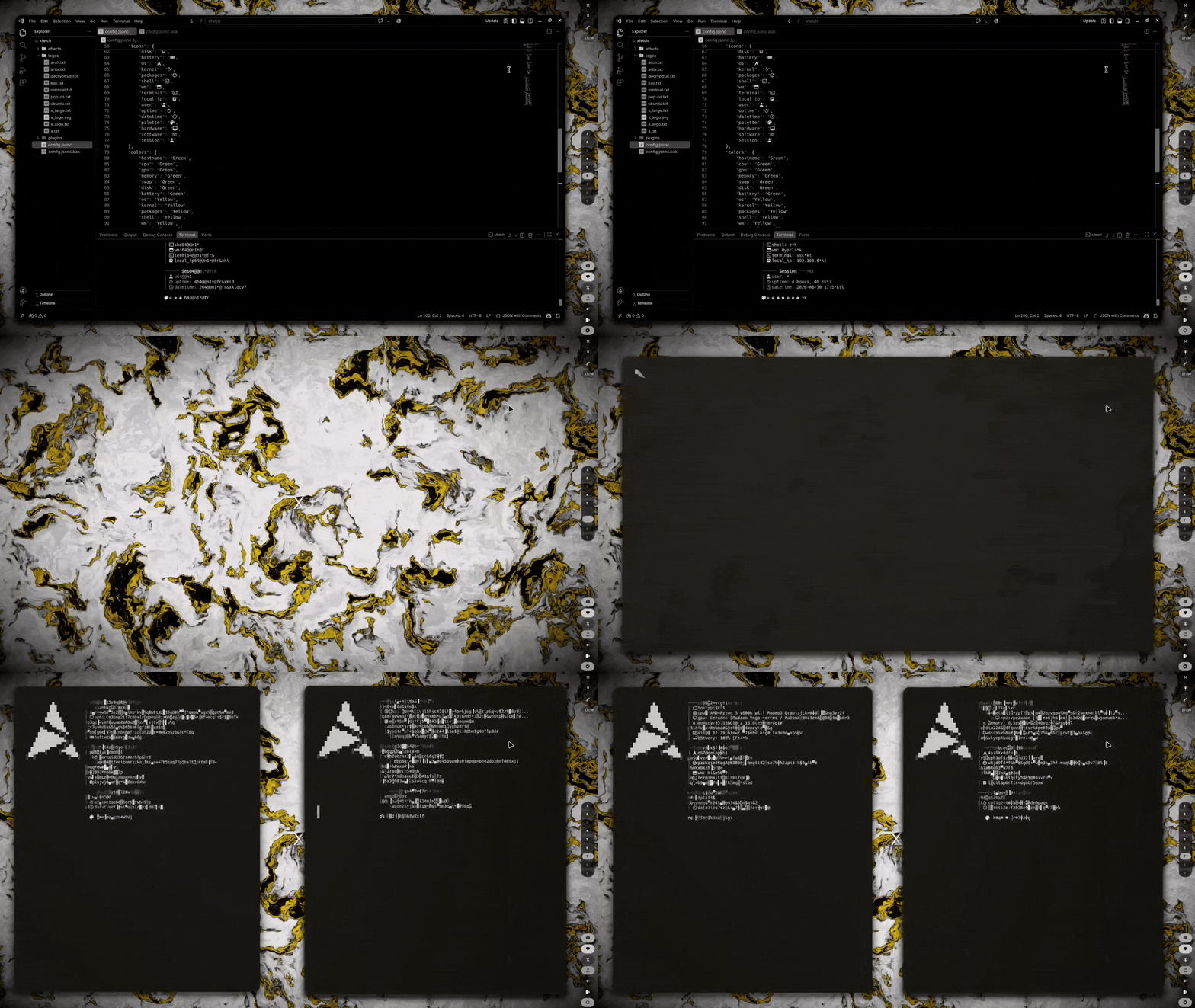
12-Palette System
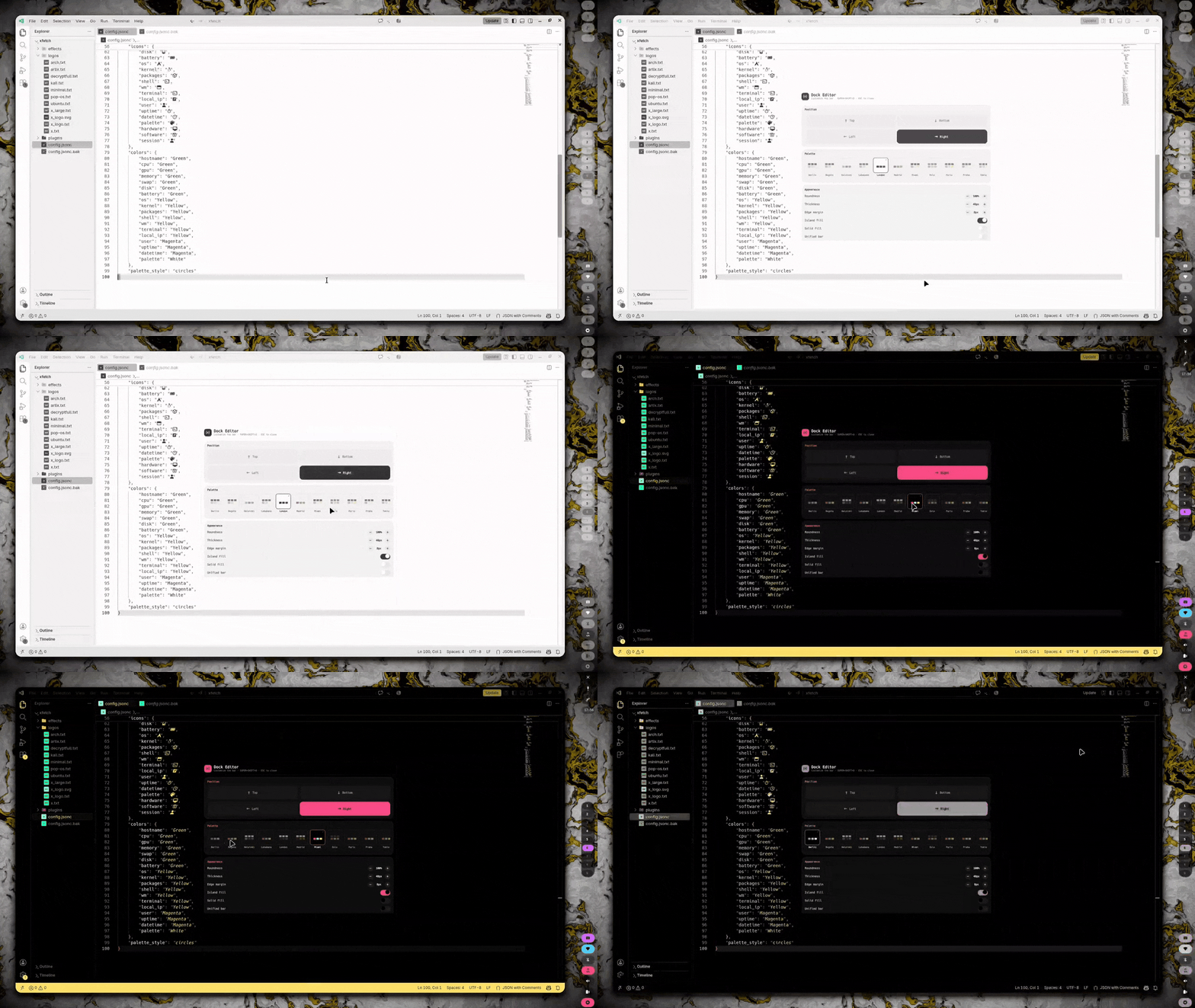
Twelve fixed Xscriptor palettes live in dock/palettes and drive the bar, window borders, kitty, starship, VS Code (color + icons), SDDM and Neovim in real time through theme-sync.sh. Open the Dock Editor and swap the palette instantly — every app follows without touching any config.
Customization
The whole desktop is controlled from your keyboard and a few configuration files.
SUPER + Return     Terminal
SUPER + D         Apps
SUPER + W         Wallpaper
SUPER + S         Calendar
SUPER + SHIFT + S Settings panel
SUPER + SHIFT + D Dock editor (palette, borders, zones)
SUPER + SHIFT + B Window effects
SUPER + Space     Float
SUPER + L         Lock
Print             Screenshot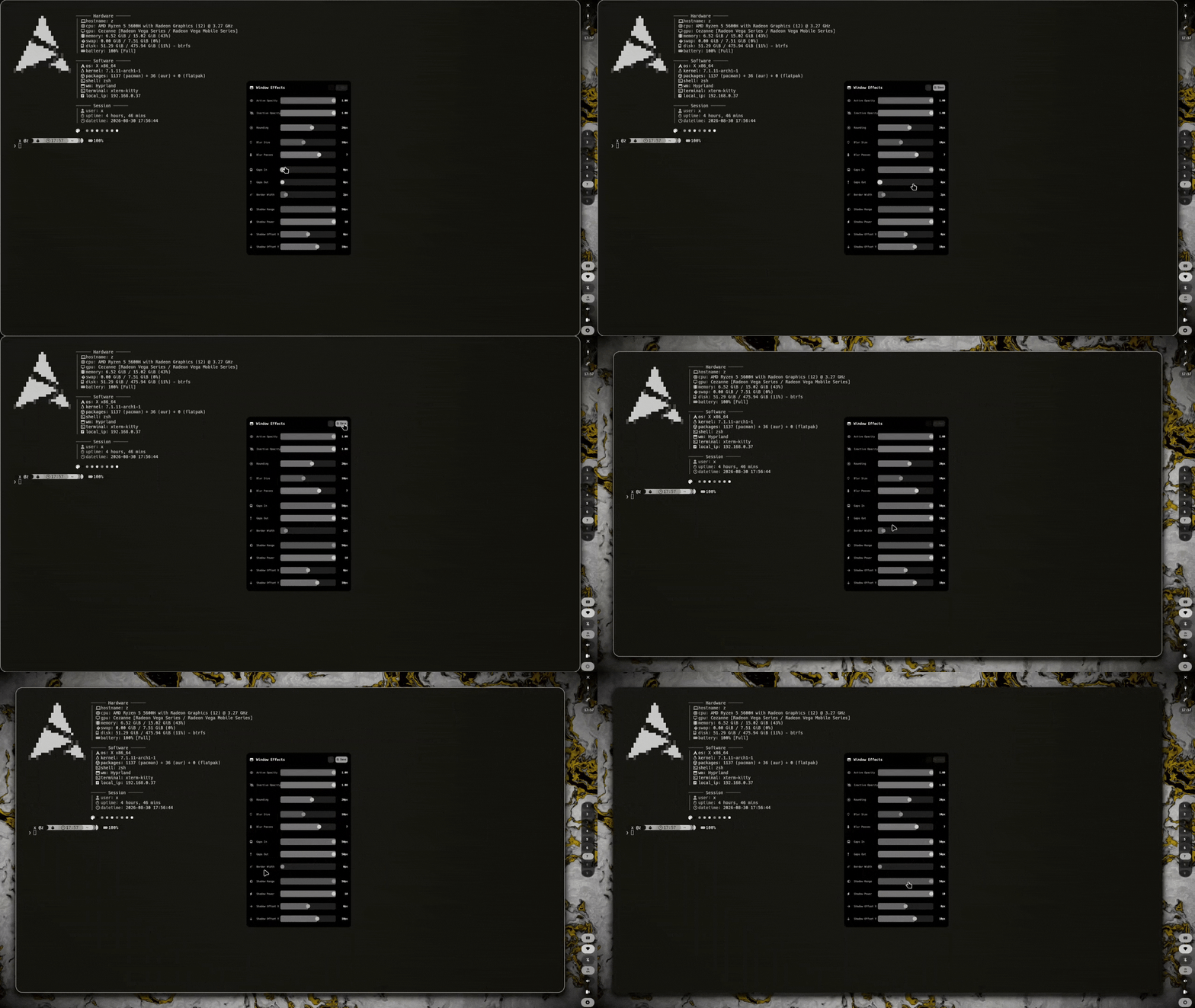
Installation
The installer detects your distro and GPU, installs packages (Hyprland, QuickShell, SwayOSD, kitty, rofi, and more), backs up existing configs, deploys all dotfiles, installs the SDDM theme, and pulls kitty and Neovim from their own repositories (xscriptor-colors/terminal, xscriptor-colors/nvim).
git clone https://github.com/xscriptor-colors/hyprland.git
cd hyprland
chmod +x install.sh
./install.sh