colors/ nvim
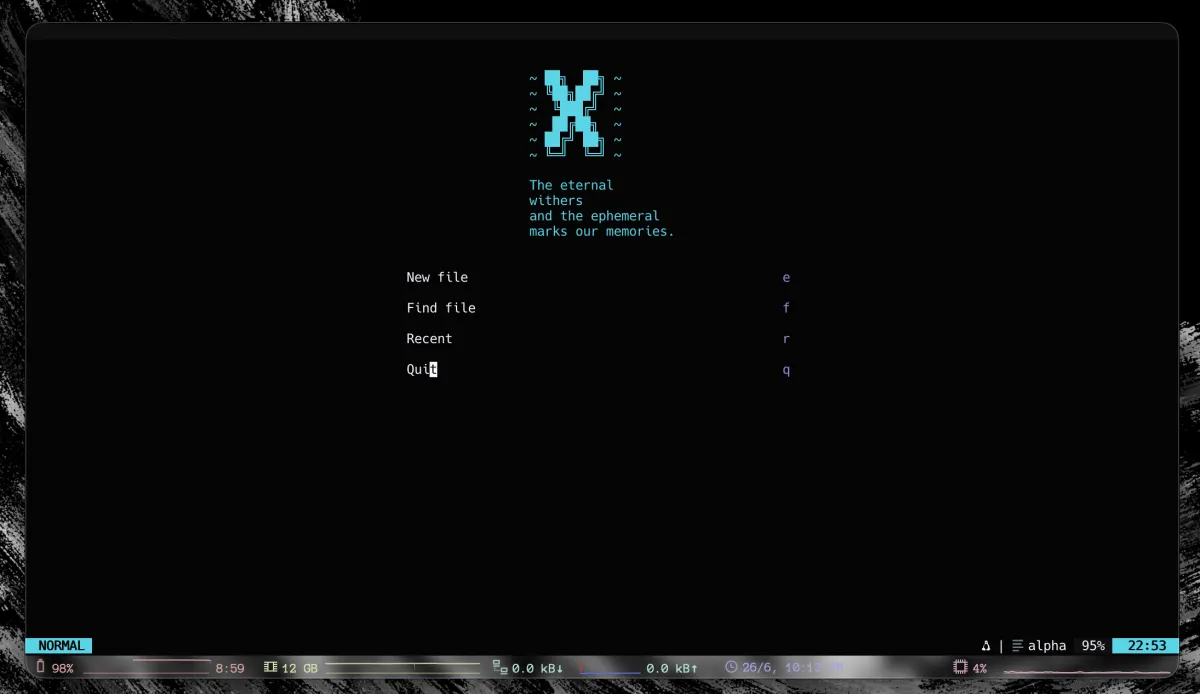
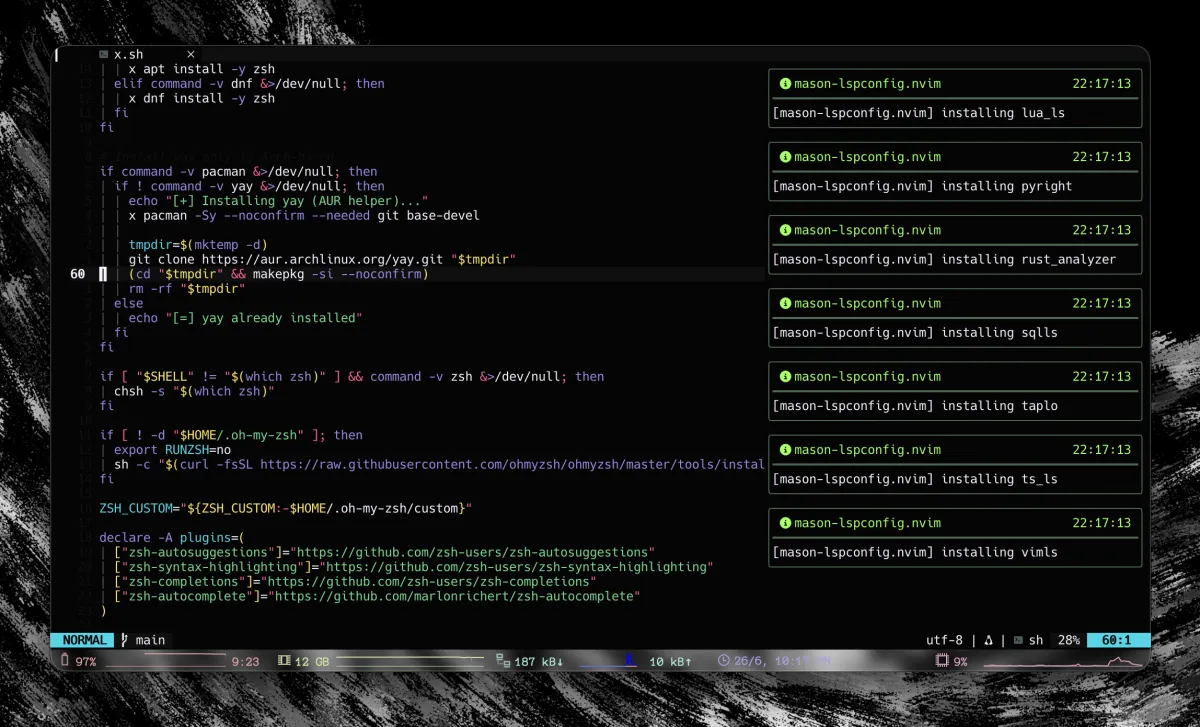
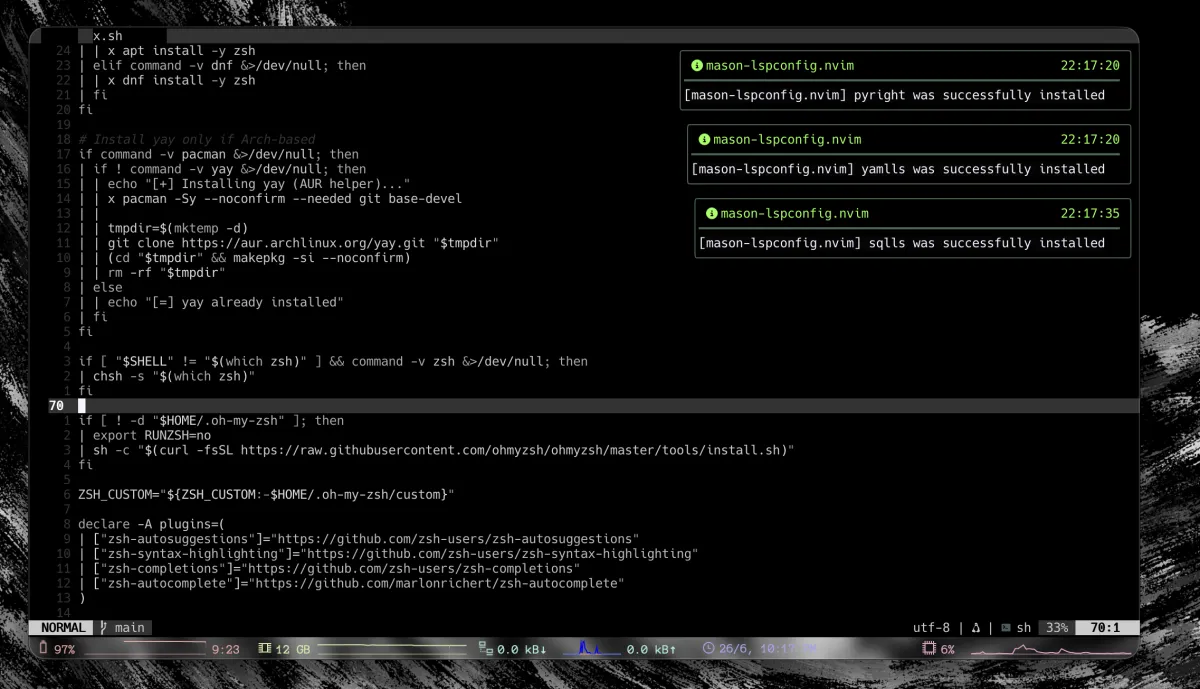
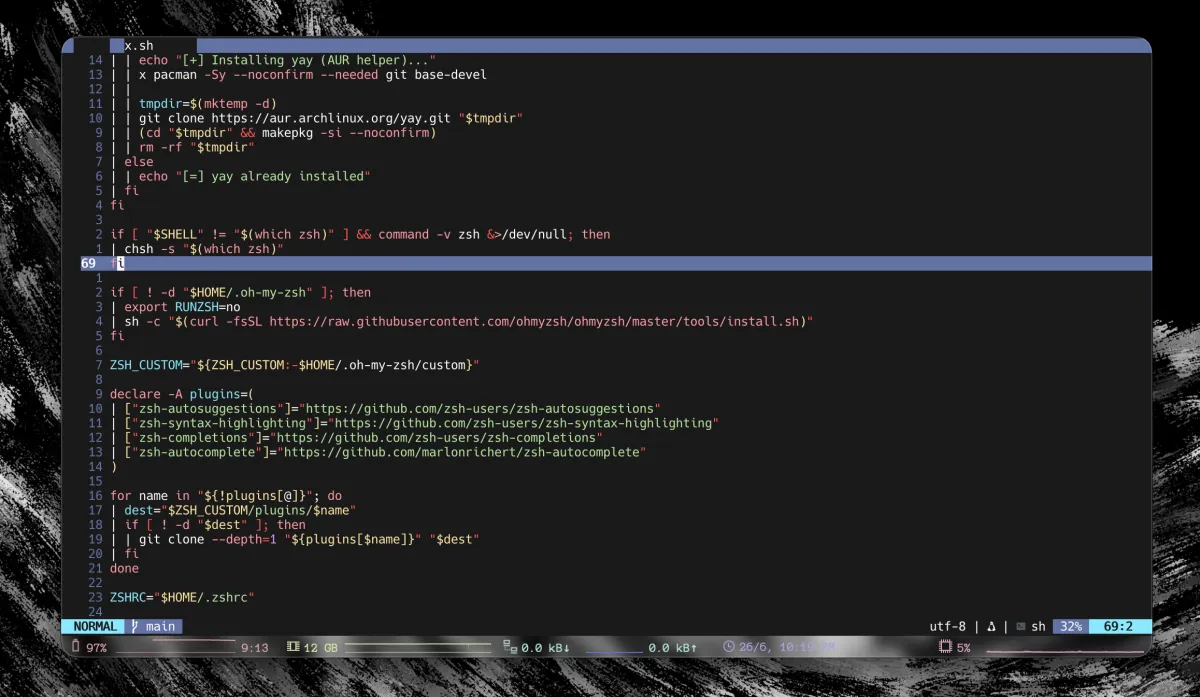
Complete Neovim configuration with essential plugins, LSP, DAP, formatting, linting, and custom themes with the X scheme.
Previews
Requirements
Make sure you have all of these before installing:
- Neovim >= 0.11
- git
- ripgrep
- fd
- node (for LSP servers and Prettier)
- python (for Python tools)
Installation
Clone this repository into your nvim config:
git clone https://github.com/xscriptor-colors/nvim ~/.config/nvimOpen Neovim. Lazy.nvim will automatically install all plugins on first start.
(Optional) Run :Mason to check LSP server installation status.
Themes
All themes from references.md are available as colorschemes:
Use any of them with:
:colorscheme tokioOr using the command: :Theme tokio
The default theme is x. Change it by adjusting vim.g.theme in init.lua.
Keybindings
Shortcuts use the leader key and letters to avoid layout dependencies. You can change the leader in init.lua. To force keyboard mappings, define the following in init.lua:
vim.g.langmap_es = ""
vim.g.langmap_en = ""
And then use :KeymapLocale es|en|system.
Included Plugins
- LSP: mason, lspconfig, lazydev, fidget
- Treesitter: + textobjects + context
- Completion: nvim-cmp + LuaSnip
- UI: lualine, bufferline, alpha, indent-blankline, colorizer
- Tools: telescope, trouble, todo-comments, conform, nvim-lint, oil, toggleterm, dap
- Git: gitsigns, diffview
Notes
If a formatter or linter binary is not installed, conform and nvim-lint will skip it without failing. Use Mason or your preferred package manager to install them.