Taking windows to perfection
Complete collection of Xscriptor customizations for Windows 11: status bars (YASB, Zebar), taskbar themes, PowerShell tooling and more — all with the Xscriptor palette ecosystem.
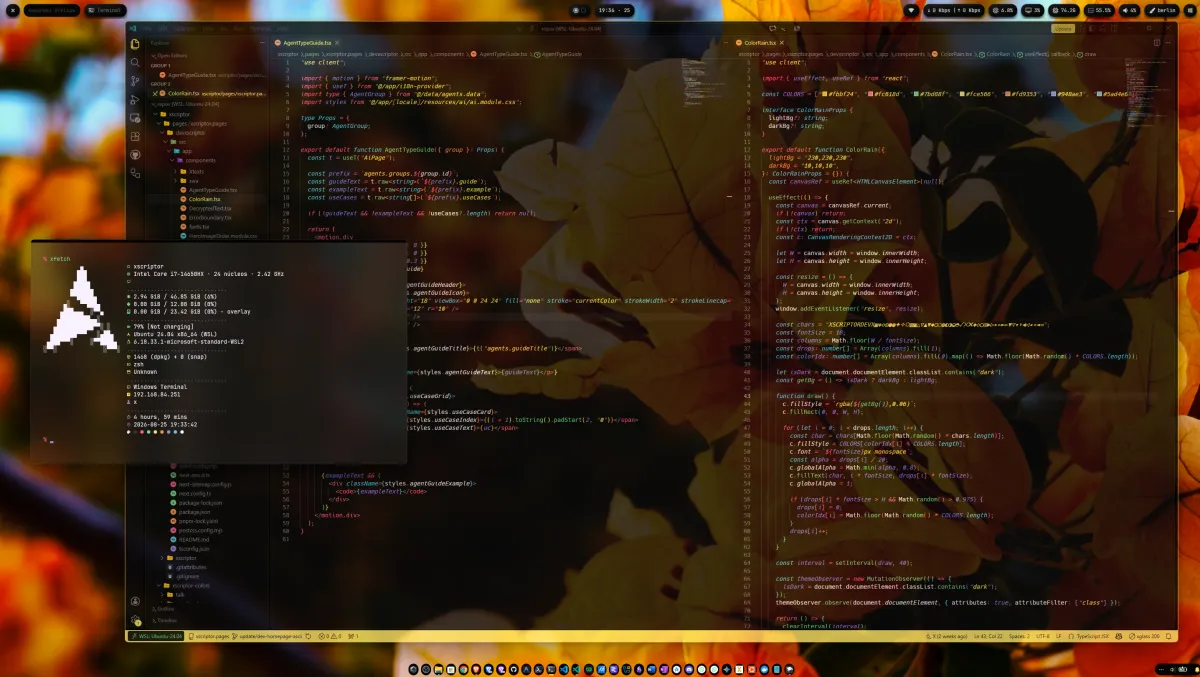
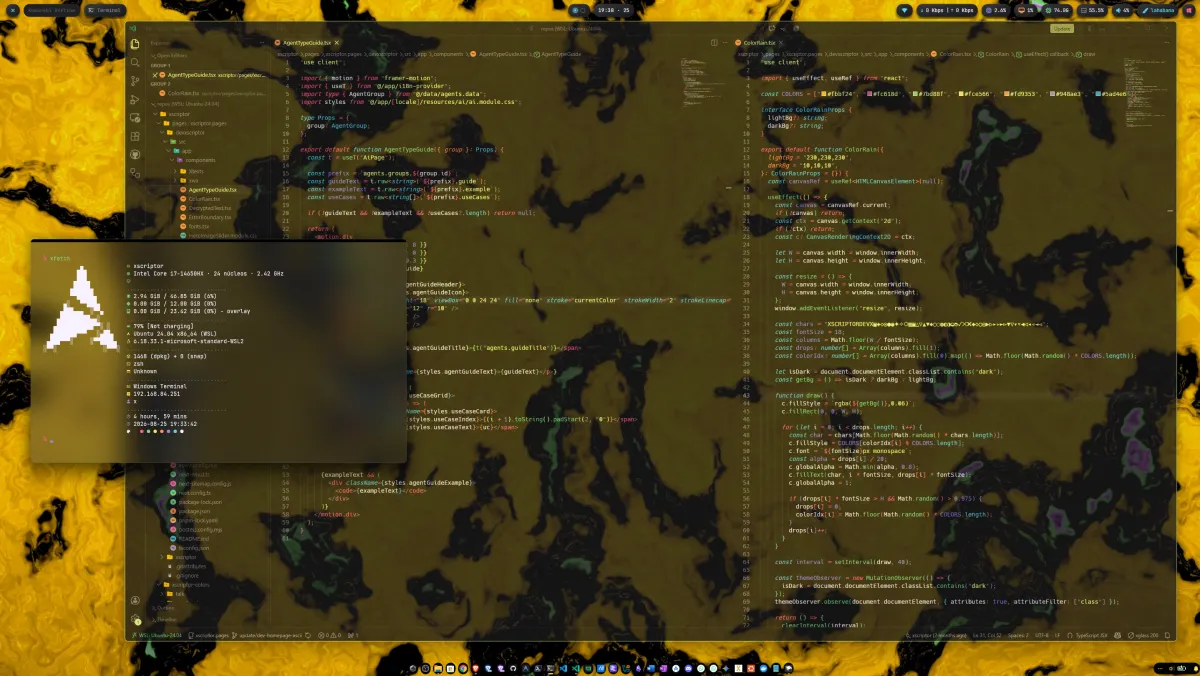
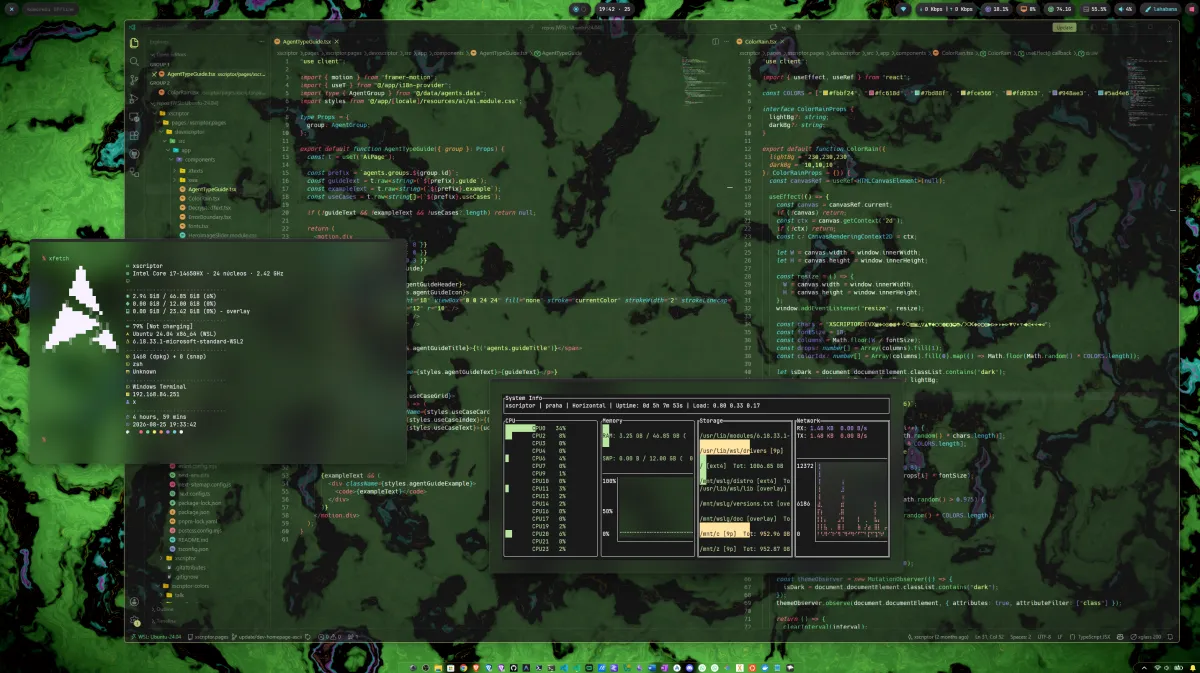
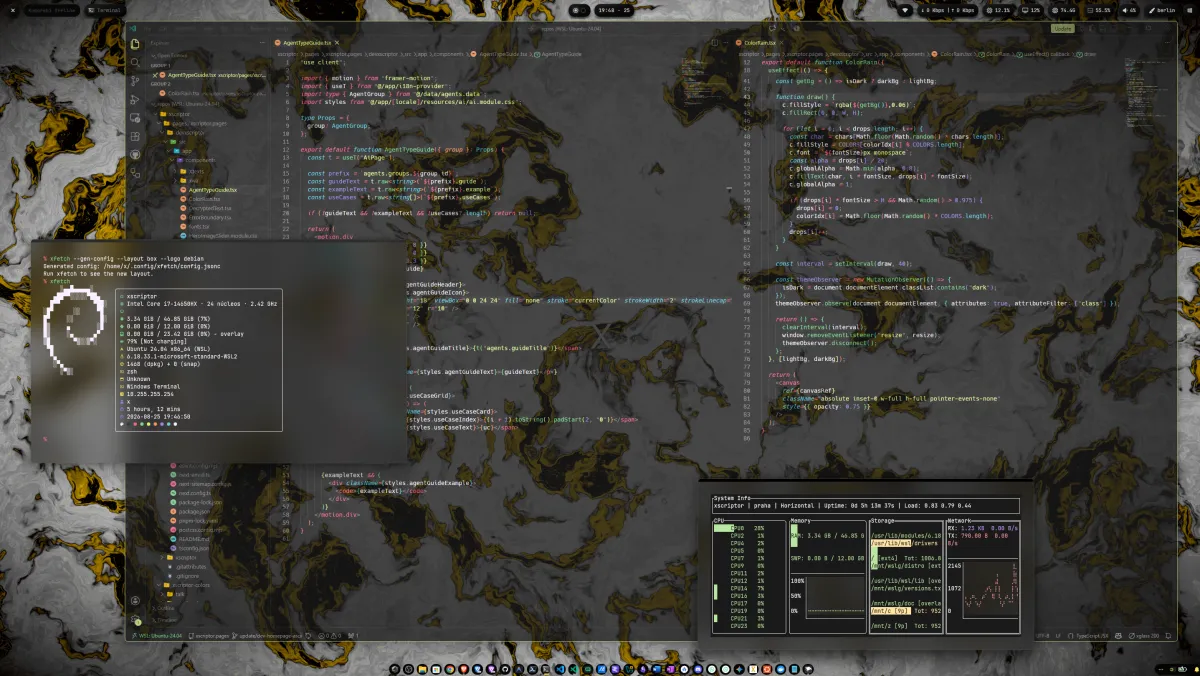
Look and feel
Repository Structure
Everything is organized around three toolchains, each with one variant per palette:
yasb/
YASB theme pack — single source layout (config.yaml, themes/, theme switcher, deploy.ps1, generate.py) plus the archived per-theme folders in yasb/splited/.
zebar/
Zebar widget packs — neumorphism/ (soft-UI neumorphic bar with popups and 12 switchable palettes) and xneon/ (liquid-glass backup), with deploy.ps1 and generate-palettes.py.
windhawk/
Windhawk taskbar themes (Taskbar Styler JSON) — three layouts: dock/ (floating centered dock), islands/ (floating rounded islands), translucid/ (legacy transparent); each with one variant per palette (x.json, madrid.json, …) and its own accent color.
Colors
Every layout ships with the 12 city palettes, each with its own color identity.
Quick Install
Remote one-liners (Windows 11, PowerShell 5.1+, no git needed) — install the app if missing and deploy the theme packs from the repo:
irm https://raw.githubusercontent.com/xscriptor-colors/windows/main/windows/yasb/install.ps1 | iex # YASB onlyirm https://raw.githubusercontent.com/xscriptor-colors/windows/main/windows/zebar/install.ps1 | iex # Zebar onlyOr clone and deploy locally:
powershell -ExecutionPolicy Bypass -File yasb\deploy.ps1 # YASB (winget install AmN.yasb)powershell -ExecutionPolicy Bypass -File zebar\deploy.ps1 # Zebar (winget install glzr-io.zebar)Then enable the packs from the Zebar tray icon → My widgets.
Usage
Zebar bar
One neumorphic island per indicator (system, media, disk, clock, CPU, memory, traffic, volume, battery, theme). Click any island for its detail popup (calendar, controls, usage charts); click the paintbrush to cycle the 12 palettes across every widget; click volume to mute.
YASB bar
Floating neumorphic islands; the theme_switcher button cycles the 12 theme stylesheets (left = next, right = previous).
Compatibility
- Windows 11, Komorebi/GlazeWM-friendly
- Requires the Hack Nerd Font (or any Nerd Font) for icon glyphs